
Throttling and memoizing App Store scraper calls
What is @perttu/app-store-scraper
I recently published @perttu/app-store-scraper, a TypeScript rebuild of the app-store-scraper by facundolaano (it's a really good package by the way). I wanted to keep all the same features, just add TypeScript support improve some of the scraping after Apple updated their App Store website.
The package gives you the following features:
app()- Get app detailssearch()- Search for appslist()- Get curated listsdeveloper()- Get developer appsreviews()- Get user reviewsratings()- Get rating histogramsimilar()- Get similar appssuggest()- Get search suggestionsprivacy()- Get privacy detailsversionHistory()- Get version history
Play around with the package
To test them out I built this little website where you can test all the APIs. All the data it returns comes from the scraping API.
One of the things you will run into when using this package is that the App Store API is rate limited
The Search API is limited to approximately 20 calls per minute (subject to change). If you require heavier usage, we suggest you consider using our Enterprise Partner Feed (EPF). For more information, visit the EPF documentation page.
Simplest fix to this this is using both memoization and throttling. I didn't want to add these features to the package itself, because I wanted to keep it as minimal as possible. Show here's instead a guide on how to implement them yourself.
Throttling and memoizing app-store-scraper
The easiest way to implement throttling and memoization is to use the p-memoize and p-throttle packages. Start by installing them:
bun install p-memoize p-throttle
Memoization
Then when using the package, you can wrap the functions with the memoize:
import { app, search } from '@perttu/app-store-scraper';
import { memoize } from 'p-memoize';

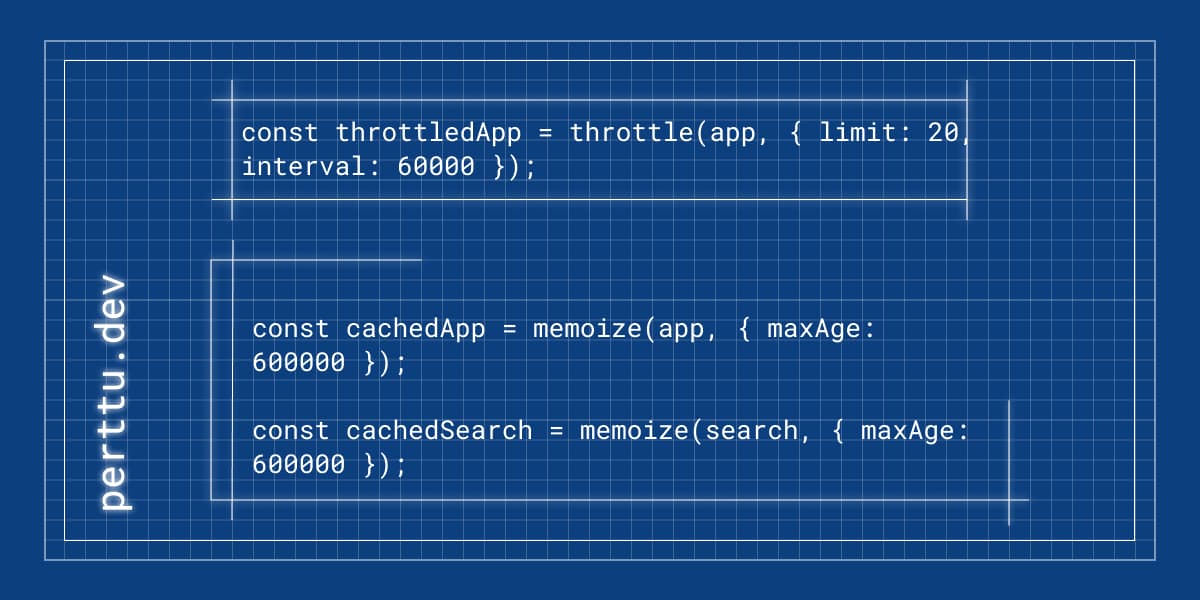
const cachedApp = memoize(app, { maxAge: 600000 });
const cachedSearch = memoize(search, { maxAge: 600000 });
Now when you use the package, you can use the cached functions instead of the original ones:
const appData = await cachedApp({ id: 553834731 });
const results = await cachedSearch({ term: 'minecraft' });
First time calling the function will be slower, because it will fetch the data from the API. But subsequent calls will be much faster, because the data will be cached. You can also specify the max age of the cache, so that the data will be refreshed after a certain time.
Throttling
With throttling you can limit the number of calls to the API within a certain time window. You're forced to do this because Apple's rate limits. Throttling only really comes to action when you're scraping over 20 apps, so use if for example when scraping a list of apps. This is what I did for Shipaton Apps Showcase. Here's how to throttle the app function for with list of 100 apps:
import { throttle } from 'p-throttle';
import { app } from '@perttu/app-store-scraper';

const throttledApp = throttle(app, { limit: 20, interval: 60000 });

const apps = await Promise.all(Array.from({ length: 100 }, async (_, index) => {
  return await throttledApp({ id: index + 1 });
}));
This will call the app function 100 times, but only 20 at a time, because of the throttling. You can also specify the interval, so that the calls are spaced out over a certain time.
That is pretty much it. If you have any questions, shoot me a message on Twitter or LinkedIn.